
For housing cooperatives (bostadsrättsföreningar): Garage spaces, the queue and the agreements in one place
The board offers a free space to whoever is first in the queue, and the member answers in the app. The fee stays on the monthly fee notice (avi), as it does today.
We take on one cooperative at a time and help you get started.
What the cooperative gets
The garage queue, in order
Members join the queue with their flat number. When a space becomes free, the board offers it to whoever is first. Anyone who declines keeps their place in the queue.
The agreements and the list for the property manager
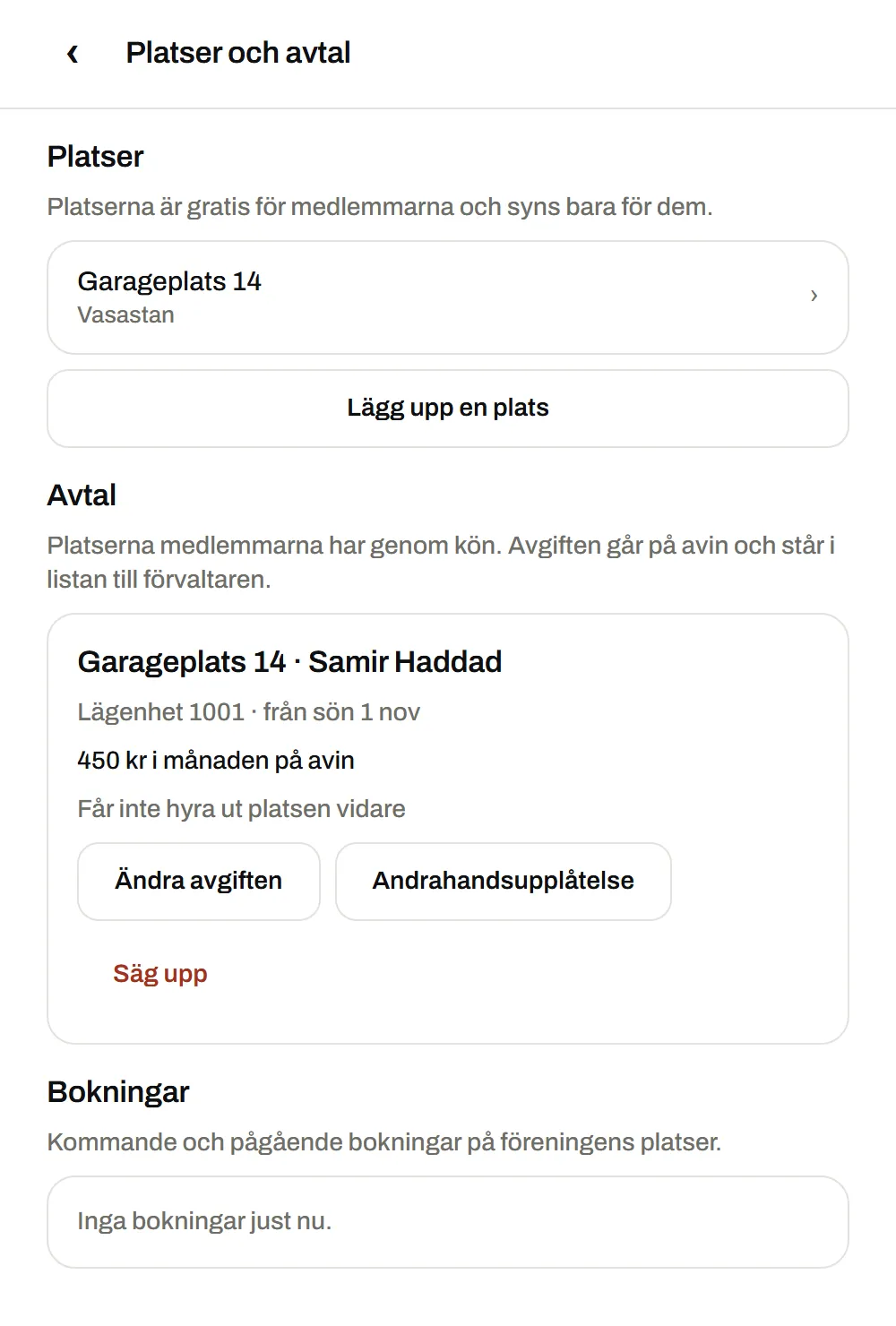
Every space that goes through the queue becomes an agreement with flat, start date and fee. Each month you download a file with the month’s agreements, which the property manager adds to the fee notice.
Guest spaces that members book themselves
The spaces are only visible to members and cost nothing to book. The board sees who is parked there and when.
In the member’s app
The cooperative’s space in the member’s app
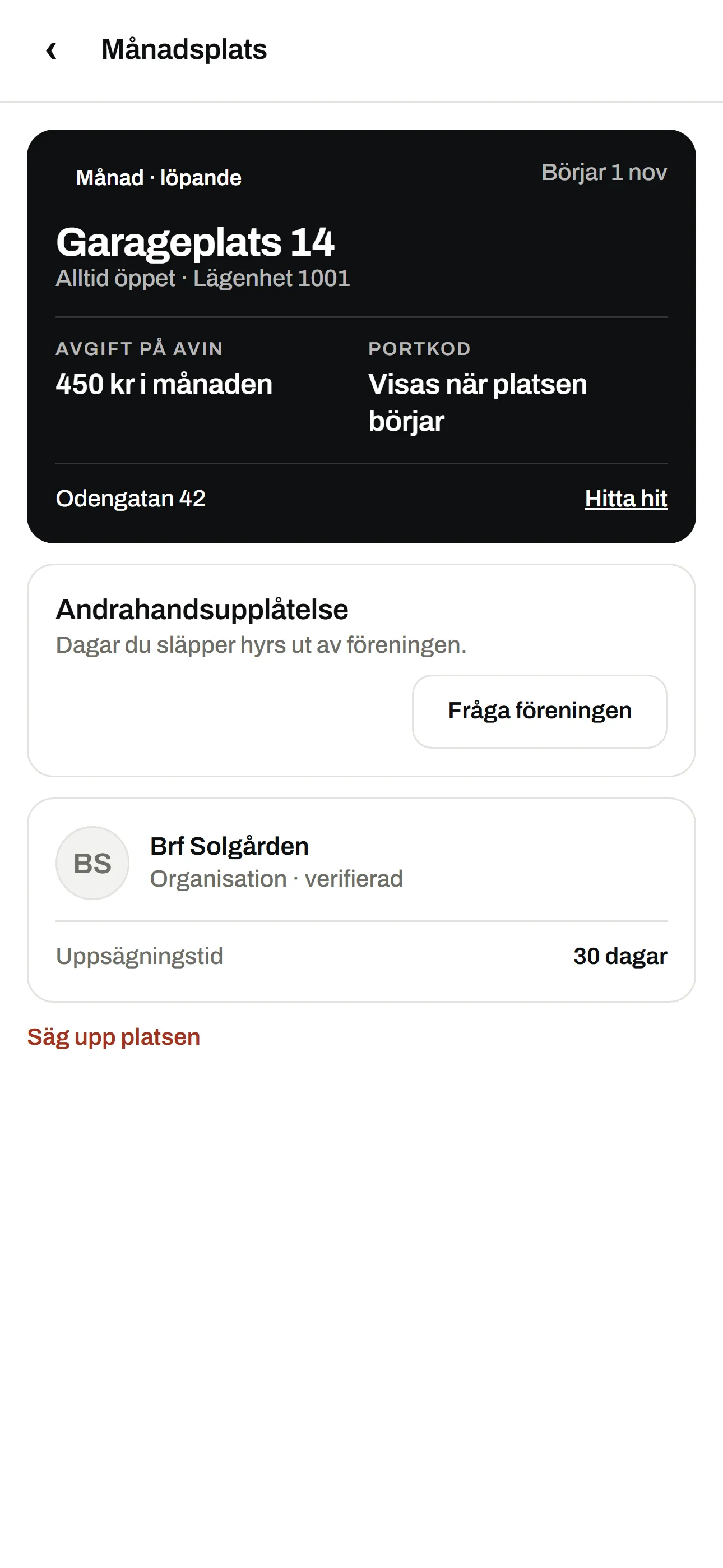
The member sees their space in the app as a monthly space, with the cooperative as the owner. It shows the fee that goes on the fee notice, and the gate code appears when the space starts.
On the web
The board handles everything in the browser
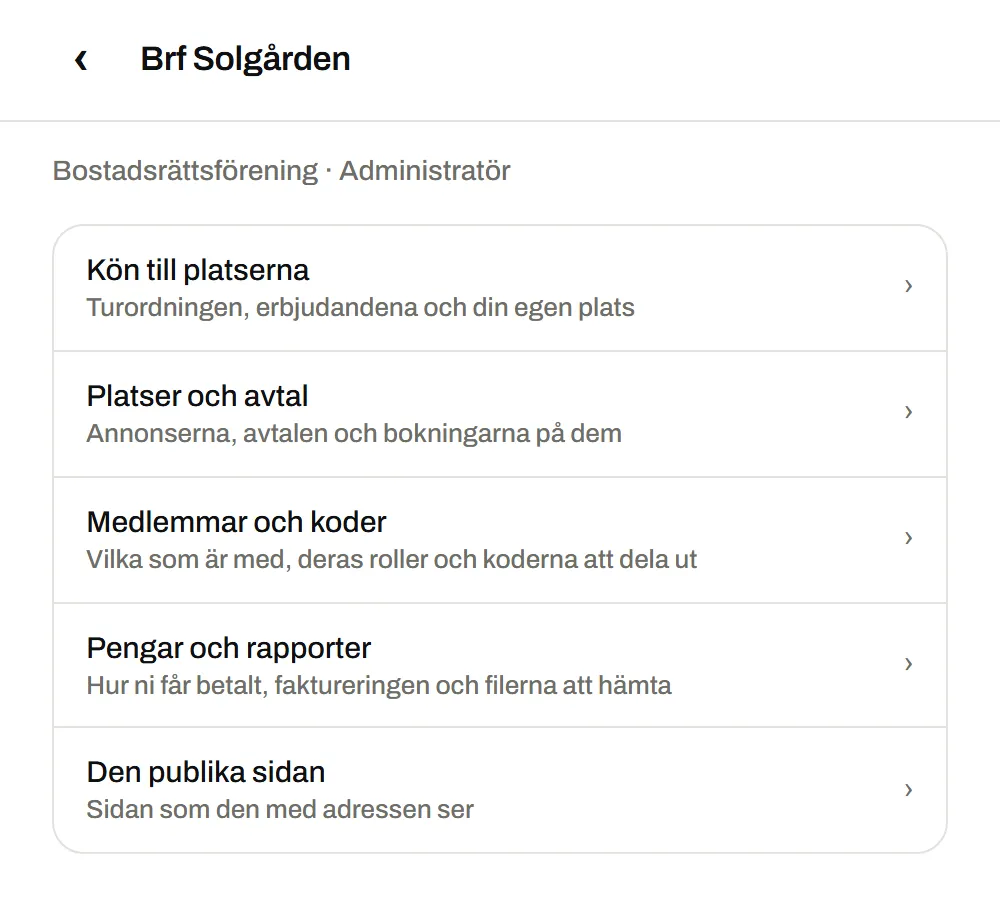
The cooperative’s page gathers the queue, the spaces, the agreements and the members. There are three roles: administrator, manager and member.
The queue for the spaces
The order and the offers. The board can set the queue date, so the queue you already have comes with you.
Spaces and agreements
Add and pause spaces, change a fee and terminate an agreement.
Members and codes
Who has joined, their roles and the codes to hand out, for example on the notice board.
The public page
A page with the cooperative’s name and presentation that anyone with the address can read. The spaces are only visible to members.
How it works
- 01
You register your interest
We get in touch, go through how you do things today and set up the cooperative.
- 02
The board adds the spaces
Add the garage and parking spaces and create a code for the members.
- 03
Members join the queue
The member enters the code in the app and joins the queue with their flat number.
- 04
The board offers, the member answers
You offer a free space with a start date and a monthly fee. The member answers in the app within the time you choose, from one to thirty days.
Good to know
What does it cost?
The pilot is free. After that, the cooperative pays a fee per space and month, by invoice. The size of the fee has not been set yet.
Do the members’ fees go through AntPark?
No. The fee is part of the agreement and the list for the property manager, and is paid on the fee notice as it is today.
Who sets up the cooperative?
We do, after a call with you. A cooperative cannot be registered on its own.
Who can see the spaces?
Only the cooperative’s members. Others see at most the public page, if you choose to show it.
How many spaces can a flat have?
One space through the queue.
How is a space given up?
With thirty days’ notice, by the member or by the cooperative.
Register your interest
This does not create an account. We get in touch and go through how it would work for you.
We take on one cooperative at a time and help you get started.